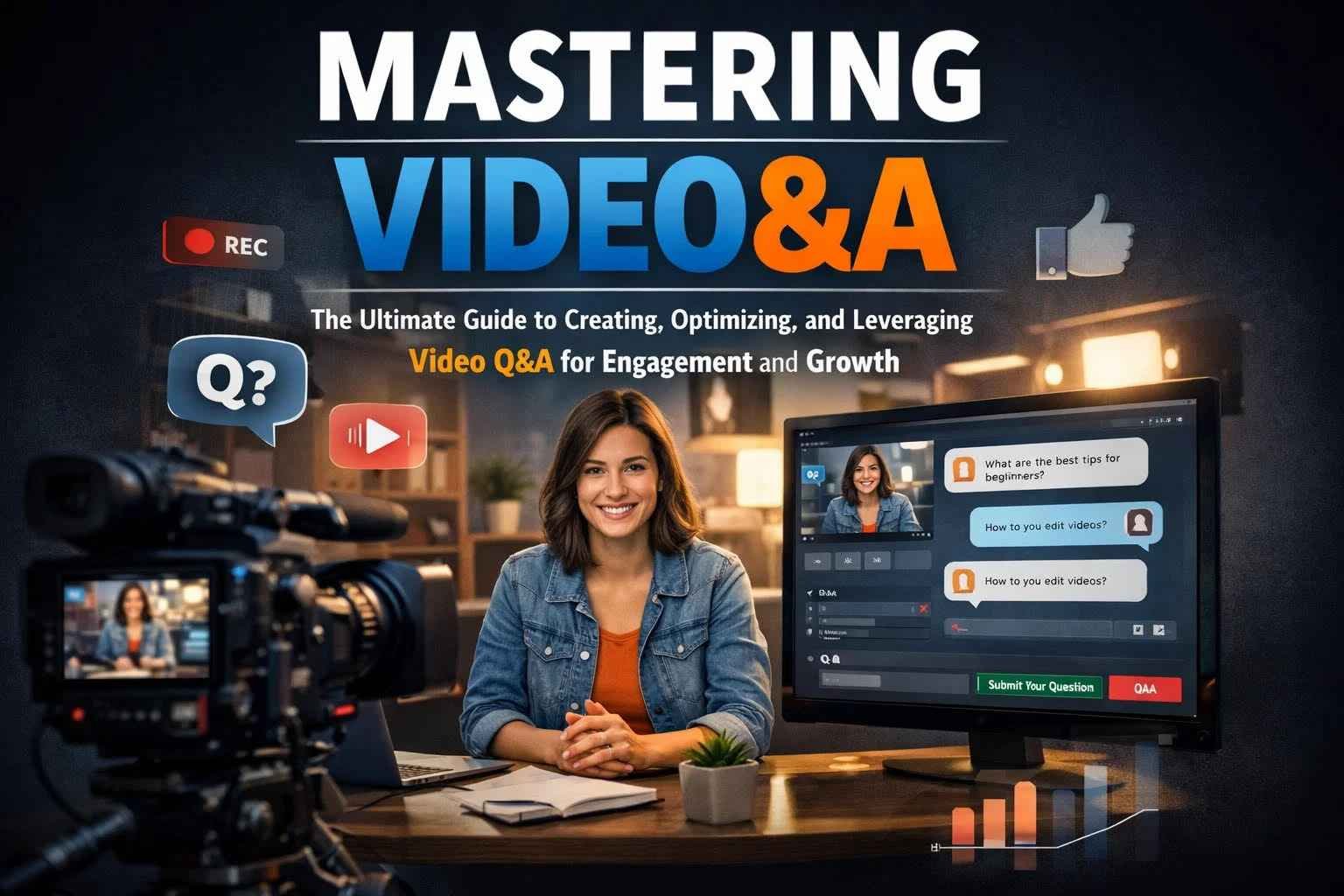
What is video&a?
video&a is a content format where questions are answered using video. The essential idea is simple: audiences ask questions (or you anticipate what they will ask), and you respond using video as the delivery method. This format works because it combines two powerful digital behaviors:
-
People search for answers in a question-based way (“how do I…?”, “what is…?”, “which is better…?”).
-
People increasingly prefer video as the fastest and most engaging way to understand solutions.
So, video&a is not only a video style—it is a communication framework that can be applied to almost any topic: business, education, products, services, coaching, marketing, technology, health (non-medical advice), fitness, travel, entertainment, and more.
At its best, video&a makes content feel personal, direct, and useful. It reduces the distance between creator and audience. Instead of publishing generic content, you address real questions with real answers.
Common forms of video&a
video&a can appear in multiple formats depending on your platform and objectives:
-
Live video&a: questions and answers happen in real time (live stream).
-
Recorded video&a: you collect questions first, then record polished answers.
-
Interview-style video&a: a host asks questions, and an expert answers.
-
FAQ-driven video&a: your most common questions become a structured video library.
-
Series-based video&a: weekly or monthly episodes answering audience questions.
-
Community video&a: answers based on comments, forum posts, or social replies.
The “&a” aspect is the differentiator. This is not just “video content.” It is video content designed around question intent.
Why video&a is a high-performing content format
video&a matches how people search
Most online discovery today is question-driven. People type or speak queries such as:
-
“What is…”
-
“How do I…”
-
“Why does…”
-
“Best way to…”
-
“Which one should I choose…”
video&a aligns perfectly with this behavior. If you organize your content around questions, you naturally improve discoverability—because your topic structure matches audience intent.
video&a builds trust faster than text
Trust is not only about information. It is about confidence, tone, credibility, and perceived expertise. Video communicates:
-
voice (clarity, certainty, calmness),
-
facial expression and body language,
-
authenticity (people see a real person behind the answer),
-
empathy (how you respond to concerns matters).
That trust directly affects conversion, loyalty, and audience growth.
video&a reduces repeated support work
For businesses and service providers, repeated questions cost time. With video&a, you can create a reusable video answer once and share it repeatedly—turning support into an asset.
video&a improves engagement and community
When you answer someone’s question publicly, you send a message: “I listen.” That encourages more questions, more comments, and more interaction. Over time, video&a becomes a feedback loop:
Audience questions → video&a answers → new questions → stronger community → higher reach.
video&a supports sales without being overly “salesy”
A well-designed video&a strategy answers the questions people ask before buying. That means you reduce uncertainty, address objections, and clarify value—without aggressive selling.
video&a keyword research: core, related, and long-tail keyword clusters
Because you insisted on keeping video&a as the main keyword, the best SEO approach is to treat video&a as the “pillar keyword” and build supporting clusters around it. Below are keyword groups you can use for SEO, YouTube tags, blog headings, or content planning.
Core keyword (primary)
-
video&a
Close-variation and semantic keywords
These are keywords that reinforce meaning but still keep video&a central:
-
video&a format
-
video&a content
-
video&a strategy
-
video&a marketing
-
video&a examples
-
video&a ideas
-
video&a tutorial
-
video&a guide
-
video&a best practices
-
video&a workflow
Audience-intent keywords (problem/solution)
-
how to make video&a
-
how to record video&a
-
how to plan video&a
-
how to structure video&a
-
how to script video&a
-
how to edit video&a
-
how to promote video&a
-
how to optimize video&a for SEO
-
how to get questions for video&a
-
how to grow with video&a
Platform keywords (distribution)
-
video&a on YouTube
-
video&a on Instagram
-
video&a on TikTok
-
video&a on Facebook
-
video&a on LinkedIn
-
video&a on webinars
-
video&a on live stream
-
video&a on podcasts (video podcast format)
Business and conversion keywords
-
video&a for businesses
-
video&a for product launch
-
video&a for customer support
-
video&a for lead generation
-
video&a for brand trust
-
video&a for sales enablement
-
video&a for onboarding
-
video&a for training
Content library keywords
-
video&a FAQ videos
-
video&a knowledge base
-
video&a help center videos
-
video&a troubleshooting videos
-
video&a onboarding series
Advanced keywords (SEO + optimization)
-
video&a transcript SEO
-
video&a captions optimization
-
video&a timestamps
-
video&a chapter strategy
-
video&a keyword mapping
-
video&a content calendar
-
video&a analytics KPIs
You can use these clusters as section titles and metadata. The key is consistency: keep video&a in titles, subheadings, and internal links where natural.
How to create video&a: a complete step-by-step system
Step 1: Choose your objective
Every successful video&a has a purpose. Common objectives include:
-
Reduce repetitive questions (support)
-
Increase reach and discovery (content growth)
-
Improve conversion (sales)
-
Build authority (thought leadership)
-
Improve onboarding and retention (customer success)
Choose one primary objective per video or per series so that your structure stays tight.
Step 2: Collect questions (the right way)
The most common mistake is answering questions nobody asked. You want questions drawn from real intent.
Best sources of questions for video&a:
-
comments on your content
-
customer support emails and tickets
-
sales calls and discovery sessions
-
community forums and groups
-
competitor reviews and product questions
-
search suggestions (autocomplete)
-
internal site search data (if you have it)
-
polls and question stickers (social platforms)
Tip: Track questions in a simple spreadsheet with columns like: question, category, audience type, urgency, frequency, and suggested title.
Step 3: Categorize questions into themes
A scalable video&a library is built around categories, for example:
-
Getting started
-
Pricing and packages
-
Setup and troubleshooting
-
Results and expectations
-
Comparison and alternatives
-
Advanced tips
-
Mistakes to avoid
This makes it easier to create series, playlists, and website navigation later.
Step 4: Create a repeatable structure for each video&a answer
A strong video&a answer follows a consistent structure:
-
Restate the question clearly (so viewers know they’re in the right place).
-
Give the short answer first (a direct response).
-
Explain the context (why the answer is true).
-
Provide steps or examples (how to apply it).
-
Mention common mistakes (what to avoid).
-
Close with action (what the viewer should do next).
This structure prevents rambling and improves watch time.
Step 5: Script lightly, do not over-script
Overly scripted video&a can sound unnatural. A practical approach is:
-
write bullet points (not full paragraphs),
-
highlight key phrases you must say (especially the keyword “video&a” if needed),
-
keep answers concise.
Step 6: Record with minimum viable quality
You do not need a studio. But you do need clarity.
Minimum standards for video&a:
-
clear audio (priority #1)
-
stable camera
-
adequate lighting
-
uncluttered background
-
consistent framing
If you have limited budget, invest first in a microphone. Poor audio kills retention.
Step 7: Edit for clarity and speed
Editing should improve comprehension, not distract.
Best editing practices:
-
remove long pauses and repeated phrases
-
add on-screen text for key points
-
add captions (critical for silent viewing)
-
insert question text on screen at the start
-
include timestamps/chapters for multi-question videos
Step 8: Publish with SEO-focused metadata
Metadata is where many video&a creators lose traffic. Do not publish with a generic title.
Use this approach:
-
Title: include video&a + the question + benefit
-
Description: summarize the answer, include related keywords, add timestamps
-
Tags/keywords: use your keyword clusters
-
Thumbnail: show the question and a clear emotional cue (curiosity, clarity)
Step 9: Repurpose
One video&a can create multiple assets:
-
short clips for social
-
blog post version of the answer
-
newsletter snippet
-
FAQ page entry
-
sales enablement link for prospects
-
internal training material
Repurposing is where volume and ROI come from.
video&a best practices that increase watch time and trust
Start fast
The first 10 seconds matter. For video&a, open with:
-
the question,
-
confirmation of the outcome,
-
a promise of clarity.
Example opening: “Today’s video&a answers: ‘How do I choose the right plan?’ Here’s the simplest way to decide in under two minutes.”
Keep answers practical
Viewers want application. If you explain concepts, anchor them with examples.
Use chapters and timestamps
If a single video&a covers multiple questions, add chapters. This improves usability and can improve retention because viewers can jump to what matters.
Show proof or demonstration when possible
If the answer can be shown, show it:
-
screen recording
-
real-world demo
-
before/after
-
quick examples
Invite more questions
Close by asking viewers to submit more questions. That creates continuity and makes your next video&a easy to plan.
video&a formats: which one should you use?
Single-question video&a (high SEO value)
One video answers one question. Benefits:
-
easier to rank
-
easier to title
-
easier to clip and repurpose
Best for: YouTube search, evergreen content, FAQ libraries.
Multi-question video&a (high engagement value)
One video answers multiple questions. Benefits:
-
feels like a “show”
-
strong community energy
-
good for live sessions
Best for: livestreams, community updates, weekly episodes.
Interview video&a (authority value)
Host + expert. Benefits:
-
borrowed credibility
-
deeper answers
-
networking advantage
Best for: thought leadership, B2B industries, education.
Customer support video&a (retention value)
Short, direct, solution-based. Benefits:
-
reduces tickets
-
speeds onboarding
-
prevents churn
Best for: SaaS, services, membership programs.
video&a for marketing: how it supports the full funnel
Awareness stage
People discover you through question-based search. video&a topics for awareness:
-
“what is…”
-
“how does… work”
-
“beginner guide to…”
Consideration stage
Prospects compare options. video&a topics for consideration:
-
“X vs Y”
-
“best option for…”
-
“pricing explained”
-
“common mistakes”
Decision stage
They want reassurance. video&a topics for decision:
-
objections (“is it worth it?”, “does it work for me?”)
-
proof (“results timelines”, “case examples”)
-
implementation (“what happens after I buy?”)
Retention stage
Customers want success. video&a topics for retention:
-
onboarding
-
advanced tips
-
troubleshooting
-
feature deep dives
A mature video&a strategy covers all four stages.
video&a SEO and discoverability: practical optimization methods
If you want video&a to rank, your content must be “readable” by search systems. Search systems understand videos through:
-
titles
-
descriptions
-
captions/transcripts
-
engagement signals (watch time, retention)
-
user behavior (click-through rate, satisfaction)
-
topical consistency across your channel/site
Titles that keep video&a as the main keyword
Good title formula: video&a: [Question] — [Outcome/Benefit]
Examples:
-
“video&a: How to Start as a Beginner (Step-by-Step)”
-
“video&a: Why Your Results Are Slow and What to Fix”
-
“video&a: Pricing Explained (Choose the Right Option)”
Descriptions that build topical depth
A strong description includes:
-
a brief summary
-
the key steps
-
related keywords
-
links to resources
-
timestamps
Transcripts and captions
Captions improve accessibility and allow search systems to index content text. If your platform supports it, upload clean captions.
Internal linking and playlists
If you publish video&a on YouTube, group topics into playlists:
-
video&a for beginners
-
video&a troubleshooting
-
video&a advanced strategies
-
video&a product questions
Playlists create session time and thematic authority.
video&a analytics: how to measure success
You should define KPIs based on your objective.
Awareness KPIs
-
impressions
-
click-through rate (CTR)
-
unique viewers
-
search traffic percentage
Engagement KPIs
-
average view duration
-
audience retention curve
-
comments per view
-
shares
Conversion KPIs (business)
-
link clicks
-
lead form completions
-
trial signups
-
sales attribution (where available)
Support KPIs (customer success)
-
reduction in repeated questions
-
ticket deflection rate
-
onboarding completion rate
-
churn reduction indicators
Key insight: A video&a can be “low views but high value” if it converts or reduces support workload. Do not judge only by views.
Common mistakes in video&a (and how to fix them)
Mistake 1: Answering vague questions
Fix: rewrite questions into clear, searchable phrasing and restate them on screen.
Mistake 2: Long introductions
Fix: open with the question and the promise of the answer.
Mistake 3: Rambling
Fix: follow a consistent structure and keep bullet-point notes.
Mistake 4: Weak audio
Fix: prioritize microphone and quiet environment.
Mistake 5: No repurposing
Fix: build a workflow where every video&a produces at least 3 clips and 1 written asset.
Mistake 6: No call-to-action
Fix: end each video&a with a next step: ask another question, watch another video, download a resource, or subscribe.
video&a content ideas (high-performing categories)
If you need a lot of topic ideas while keeping video&a central, here are categories and examples.
Beginner-focused video&a
-
video&a: How do I start?
-
video&a: What do I need first?
-
video&a: What should I avoid as a beginner?
Troubleshooting video&a
-
video&a: Why isn’t this working?
-
video&a: How do I fix common errors?
-
video&a: What does this message mean?
Comparison video&a
-
video&a: Which option is better for me?
-
video&a: What’s the difference between X and Y?
-
video&a: Is premium worth it?
Results and expectations video&a
-
video&a: How long does it take to see results?
-
video&a: What outcomes are realistic?
-
video&a: What should I track?
Process video&a
-
video&a: What is the step-by-step workflow?
-
video&a: How do I set this up correctly?
-
video&a: How do I scale this?
Conclusion
video&a works because it is fundamentally audience-driven. It aligns content with real questions, real intent, and real needs—while using video’s strength: trust, clarity, and connection.
If you want consistent results from video&a, treat it like a system:
-
collect questions continuously
-
categorize and plan a content calendar
-
record using a repeatable structure
-
optimize titles, captions, and descriptions with video&a and related keywords
-
repurpose every video into multiple content assets
-
measure performance against the objective (not only views)
Over time, your video&a library becomes a durable asset: a searchable knowledge base, a marketing engine, and a trust-builder that compounds.